

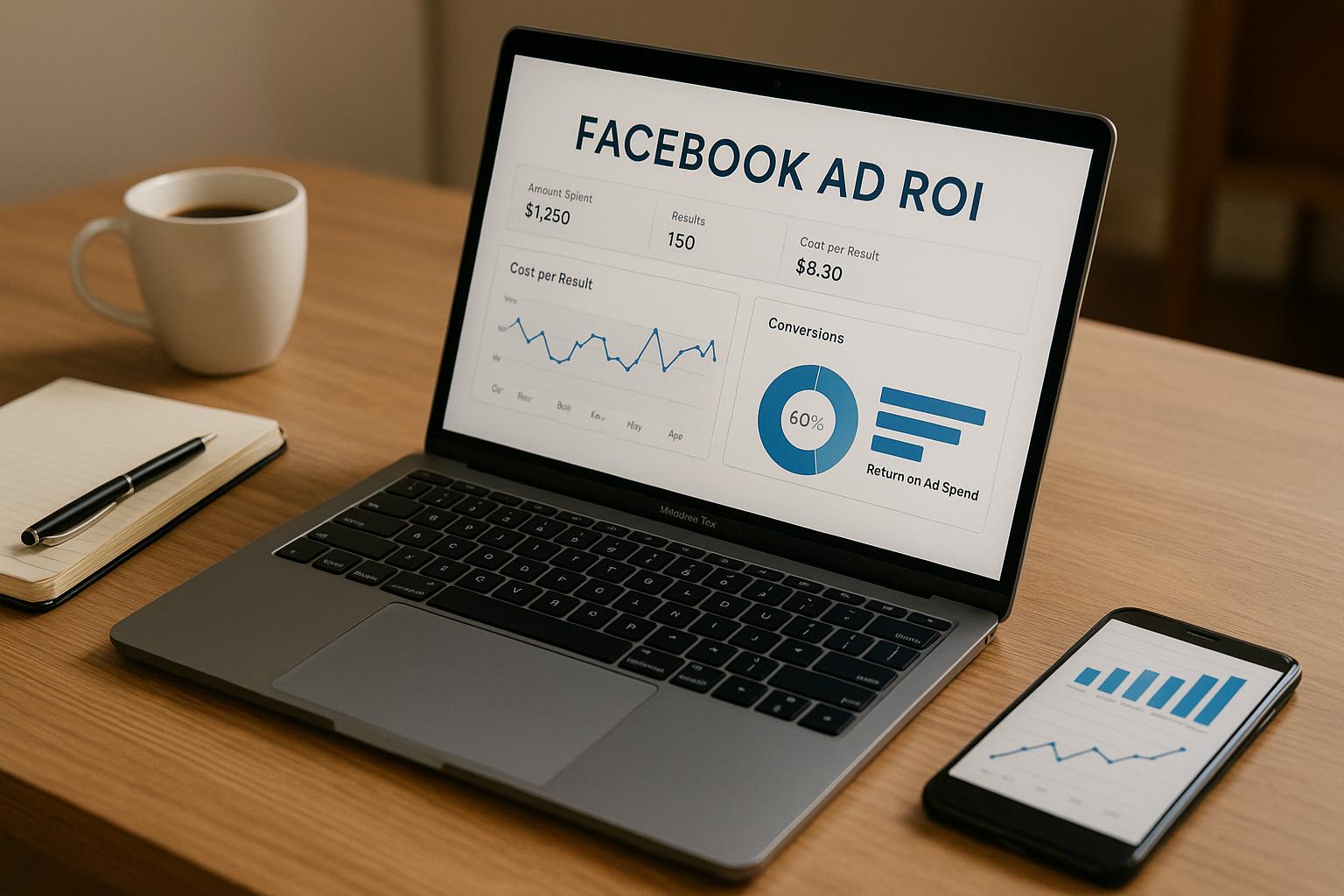
Tracking Facebook Ad ROI is about measuring how much profit your ads generate compared to what you spend. Here's the formula:
ROI = [(Revenue - Ad Spend) ÷ Ad Spend] × 100
For example, spending $1,000 on ads that generate $3,000 in revenue gives a 200% ROI. This means you earn $2 for every $1 spent.
Why it matters:
- Helps identify profitable campaigns.
- Avoids wasting budget on underperforming ads.
- Provides insights into customer acquisition costs.
How to track ROI:
- Set up Meta Pixel: Tracks user actions like purchases or add-to-cart events.
- Use Conversions API: Complements Meta Pixel by sending server-side data, bypassing browser limitations.
- Monitor Attribution Models: Choose the right one (e.g., last-click, first-click, or multi-touch) to credit conversions accurately.
- Compare ROI vs. ROAS: ROI factors in all costs, while ROAS only measures revenue vs. ad spend.
Tools to use:
- Meta Ads Manager: Track ad spend, conversions, and performance metrics.
- Google Analytics (GA4): Analyze cross-channel performance and customer journeys.
- eCommerce platform analytics: Verify revenue data and reconcile discrepancies.
Tips to improve ROI:
- Test audience targeting and ad creatives systematically.
- Use retargeting and lookalike audiences to boost conversions.
- Scale ad spend strategically, aligning with performance data.
Tracking and optimizing Facebook Ad ROI ensures you're spending wisely and growing profitably.
The BEST WAY to track ROI on Facebook ads!?! | 5 Minute Friday
Setting Up Your Tracking System
Accurate website data is the backbone of calculating Facebook ad ROI. Without proper tracking, you risk missing conversions, misattributing sales, and making decisions based on incomplete or faulty information.
To get reliable ROI tracking, you’ll need two key tools: Meta Pixel and the Conversions API. Together, they capture customer actions on your website and send this data back to Facebook, giving you a clearer view of how your ads are driving results.
Installing and Setting Up Meta Pixel
Meta Pixel is a small snippet of code that tracks what visitors do on your website after interacting with your Facebook ads. It follows the customer journey - from clicking your ad to completing a purchase - and records key actions along the way.
To install it, you’ll add the provided code to your website. If you’re using platforms like Shopify, BigCommerce, WooCommerce, or Squarespace, the process is straightforward thanks to built-in integrations that eliminate the need for manual coding.
- Shopify users can go to their Online Store settings, click on Preferences, and paste their Pixel ID in the Facebook Pixel section. Shopify handles the rest, including tracking standard events like purchases and add-to-cart actions.
- WooCommerce users can install the Facebook for WooCommerce plugin. This plugin connects your store directly to your Facebook Business account and automatically sets up purchase tracking, product catalog syncing, and conversion events.
Once the pixel is installed, you’ll need to configure conversion events - specific actions that are important to your business. These include:
- Purchase events: Tracks completed transactions and revenue.
- Add to Cart events: Logs when someone adds a product to their cart.
- Initiate Checkout events: Captures when a customer begins the checkout process.
- View Content events: Tracks visits to product pages originating from your ads.
To make sure your pixel is working correctly, use the Meta Pixel Helper Chrome extension. This tool shows which events are firing on each page and flags any errors. If everything is set up properly, you’ll see green checkmarks for active events. You can also create custom conversions to track more specific goals, like newsletter signups or free trial activations.
While Meta Pixel is great at capturing browser-based activity, the Conversions API takes things a step further by sending server-side data directly to Facebook.
Using the Conversions API
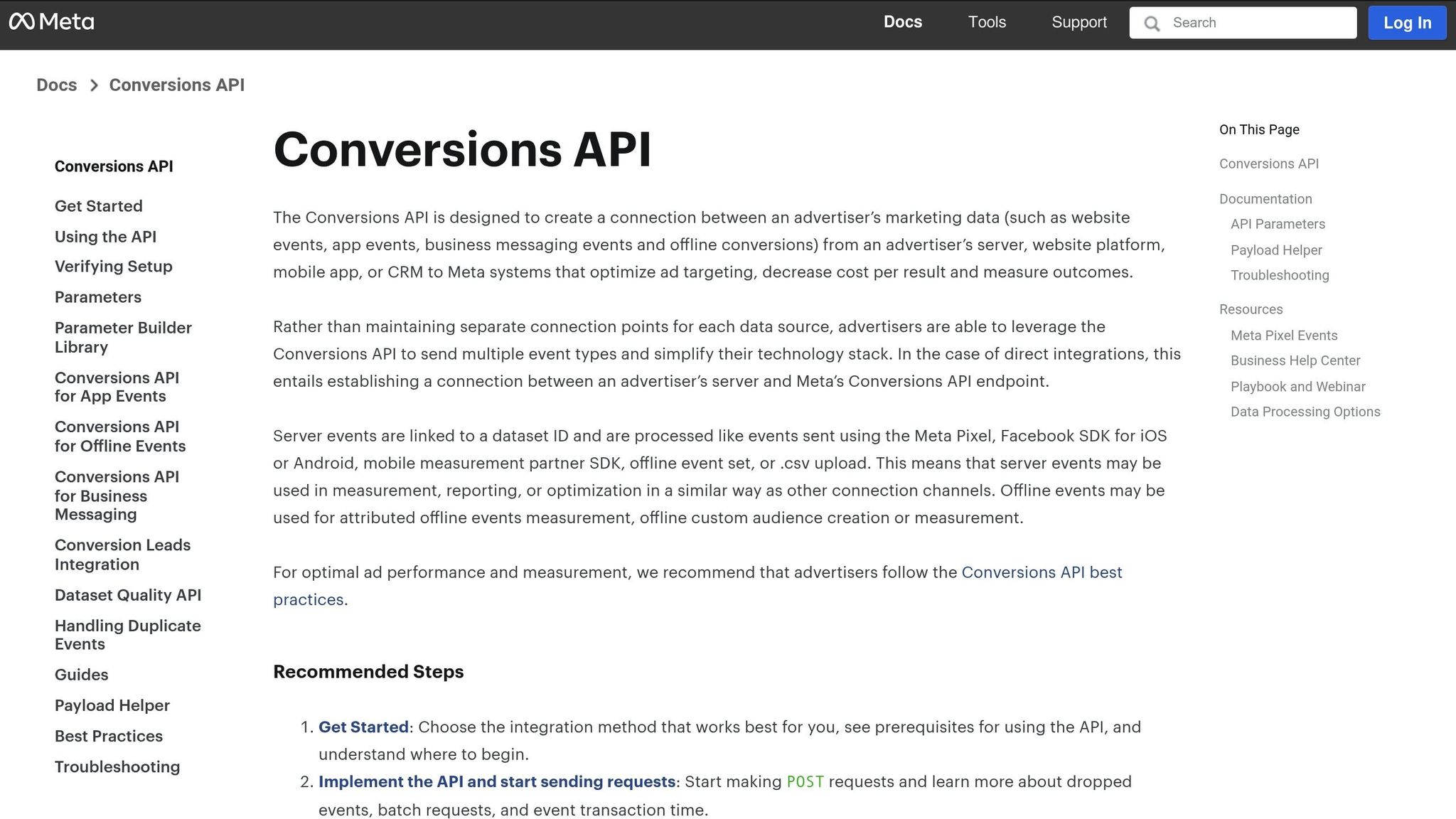
The Conversions API complements Meta Pixel by transmitting data directly from your server to Facebook. This approach is becoming increasingly important as privacy updates, ad blockers, and browser restrictions limit traditional tracking methods.
For example, Apple’s iOS 14.5 update introduced App Tracking Transparency, allowing users to opt out of tracking. Similarly, Safari’s Intelligent Tracking Prevention restricts the use of third-party cookies. These changes can leave gaps in the data collected by Meta Pixel.
The Conversions API solves this problem by sending conversion data from your server, bypassing browser limitations and privacy settings. Most major eCommerce platforms now support this integration. Shopify, for instance, includes server-side tracking as part of its native Facebook integration, and WooCommerce users can enable it through the Facebook for WooCommerce plugin.
When you use Meta Pixel and the Conversions API together, Facebook automatically deduplicates events to avoid double-counting. This ensures your tracking remains accurate and reliable.
Setting up the Conversions API requires access to your Facebook Business Manager and some technical configuration. While many eCommerce platforms simplify this process, you should still verify the connection in Facebook’s Events Manager to ensure everything is running smoothly.
Why Accurate Data Collection Matters
Accurate tracking doesn’t just highlight what’s working - it helps you make smarter decisions. Facebook’s algorithm relies on conversion data to find audiences similar to your existing customers. If your tracking is incomplete, it can lead to poorly targeted ads, higher costs, and reduced ROI.
It’s also worth reviewing your attribution windows. Facebook’s default setting tracks conversions within a 7-day click and 1-day view window, but you may need to adjust this to capture delayed purchases.
High-quality data enables Facebook’s machine learning to recognize patterns among your most successful customers. This leads to better audience targeting, more relevant ad delivery, and ultimately, higher returns on your ad spend. It can also uncover valuable insights, like whether customers typically view multiple products before purchasing or how mobile and desktop users behave differently. These insights can guide improvements to your campaigns and landing pages.
If you’re scaling your ad spend - possibly with flexible financing options like Onramp Funds (https://onrampfunds.com) - accurate data becomes even more critical. Scaling based on incomplete or inaccurate data can quickly turn a profitable campaign into a costly mistake.
To keep things running smoothly, monitor your Events Manager weekly for any drops in event volume or quality. You can also set up automated rules in Ads Manager to pause campaigns if conversion tracking stops working properly. Regular maintenance ensures your tracking system stays reliable as your campaigns grow.
How to Calculate Facebook Ad ROI
Once you've set up a solid tracking system, the next step is to dive into the actual numbers. Calculating your Facebook ad ROI involves pulling together data on your ad spend and revenue, choosing the right attribution model, and analyzing the results. Let’s break it down step by step.
Collecting Ad Spend and Revenue Data
To calculate ROI, you need accurate numbers for your Facebook ad spend and the revenue tied to those ads.
Start by heading to Facebook Ads Manager. Under the Columns dropdown, select "Performance and Clicks" to view your total ad spend. You can adjust the date range to match the period you're analyzing and even break it down by day, week, or month. If you want to dig deeper, use the "Export" feature to download the data and analyze it further in tools like Excel or Google Sheets.
For revenue attribution, look at your eCommerce platform's analytics and Facebook's conversion data. For example, Shopify users can track revenue from different traffic sources in their Analytics dashboard. WooCommerce users can integrate with Google Analytics 4’s Enhanced Ecommerce tracking for detailed purchase data. Platforms like BigCommerce and Squarespace also offer built-in analytics that link social media traffic to actual sales.
When comparing these data sources, keep an eye out for discrepancies. Small differences are normal due to varying tracking methods, but large gaps might signal an issue that needs fixing. To keep things consistent, always export data using the same date ranges and time zones.
Selecting the Right Attribution Model
Attribution models determine how you assign credit for conversions when customers interact with multiple touchpoints before buying. The model you choose will shape your ROI calculations and influence how you optimize your campaigns.
- Last-click attribution gives all the credit to the final touchpoint before conversion. While straightforward, it might undervalue Facebook's role in earlier stages of the customer journey.
- First-click attribution assigns all the credit to the first touchpoint, highlighting Facebook's contribution to brand awareness but ignoring later interactions.
- Multi-touch attribution spreads credit across multiple touchpoints, factoring in each one's role in the purchase process.
Facebook typically uses a default attribution window of 7 days after a click and 1 day after a view. If you're selling high-ticket items with longer sales cycles, consider extending this window to better reflect your customer journey.
Experimenting with different attribution models can give you a range of ROI outcomes, helping you make smarter decisions about where to allocate your budget.
ROI vs. ROAS: Understanding the Difference
When analyzing your campaigns, it’s important to distinguish between Return on Ad Spend (ROAS) and Return on Investment (ROI).
Return on Ad Spend (ROAS) measures how much revenue you generate for every dollar spent on ads. The formula is simple:
ROAS = Revenue ÷ Ad Spend
For instance, if you spend $1,000 on Facebook ads and generate $4,000 in revenue, your ROAS is 4:1 (or 400%). ROAS is great for comparing campaign performance and making quick budget adjustments.
Return on Investment (ROI), on the other hand, takes into account additional costs like product expenses, fulfillment, and other business fees. Here’s the formula:
ROI = [(Revenue − Fulfillment Costs − Ad Spend) ÷ Ad Spend] × 100
For example, if you spend $1,000 on ads, generate $4,000 in revenue, and your product and fulfillment costs total $2,000, your net profit is:
Net Profit = $4,000 − $2,000 − $1,000 = $1,000
Using the formula, your ROI would be:
ROI = ($1,000 ÷ $1,000) × 100 = 100%
Use ROAS when you want to assess individual campaigns or make daily adjustments. Turn to ROI for a broader view of profitability and long-term planning.
Break-even Calculations are also crucial. For example, if your average order value is $100 and your fulfillment costs are $40 per order, you keep $60 per order. To break even, your cost per order can’t exceed $60. This translates to a break-even ROAS of about 1.67:1.
Many eCommerce businesses aim for ROAS levels between 4:1 and 6:1 for sustainable growth. However, your targets will depend on your profit margins and goals. High-margin products might still be profitable with a lower ROAS, while low-margin products typically need a higher return to be worthwhile.
If you’re scaling ad spend with tools like Onramp Funds (https://onrampfunds.com), accurate ROI tracking ensures you’re covering both ad costs and any financing commitments. This makes ROI an essential metric for scaling your campaigns effectively.
sbb-itb-d7b5115
Tools for Tracking Facebook Ad ROI
Tracking Facebook ad ROI effectively requires the right set of tools to make informed, data-driven decisions. By combining multiple platforms, you can gain a complete picture of how your ads perform throughout the customer journey.
Using Meta Ads Manager
Meta Ads Manager is your go-to dashboard for monitoring Facebook ad performance. It provides essential insights into campaign metrics that directly influence your ROI.
You can customize the metrics displayed by selecting options like Performance and Clicks or Conversions. If you need more specific data, create custom columns for metrics such as Purchase ROAS, Cost per Purchase, and Purchase Conversion Value.
The Breakdown reports feature allows you to dive deeper into performance by audience segments, placements, or demographics. Use the "Breakdown" dropdown to analyze data by age, gender, device, or placement. This helps pinpoint which segments are driving the best results, so you know where to scale or optimize.
For deeper analysis, use the Export function to download your campaign data regularly. This enables you to track trends over time and calculate advanced ROI metrics that align with your business costs.
To further validate your findings, consider integrating external analytics tools.
Connecting Google Analytics
Google Analytics 4 (GA4) is a powerful complement to Facebook tracking, offering cross-channel attribution for a broader view of ad performance.
By setting up Enhanced Ecommerce in GA4, you can monitor the entire purchase journey - from the initial ad click to the final conversion. To configure this, go to your GA4 property, navigate to Configure > Ecommerce, and ensure purchase events are correctly set up. This setup tracks not only Facebook traffic but how it interacts with other channels.
The Attribution section in GA4 (found under Advertising > Attribution) highlights how Facebook ads work alongside other channels like Google Ads, email campaigns, and organic search. Its "Data-driven attribution" model uses machine learning to assign credit based on actual conversion patterns, offering a more accurate ROI perspective compared to Facebook's last-click model.
To ensure accurate attribution, include consistent UTM parameters in your Facebook ad URLs.
Additionally, GA4's Audience insights provide valuable data about the users converting from Facebook ads. Reports under "Tech" and "Demographics" reveal details like device usage, geographic performance, and user behavior, which can help refine your Facebook targeting strategy.
Using eCommerce Platform Analytics
Your eCommerce platform's native analytics offer another layer of verification and context for your ROI calculations. These tools act as the "source of truth" for revenue data, helping reconcile metrics from Facebook and Google Analytics.
- Shopify Analytics provides traffic and revenue breakdowns by source through its Acquisition reports. Its integration with Facebook ensures conversion data flows smoothly between platforms, reducing discrepancies.
- WooCommerce users can utilize its built-in analytics or plugins like MonsterInsights for enhanced Google Analytics tracking. The WooCommerce Analytics dashboard includes order reports filtered by traffic source, making it easier to calculate ROI when factoring in product costs and shipping.
- BigCommerce offers analytics through its Control Panel. The "Traffic Sources" report shows revenue driven by Facebook, while the "Conversion Funnel" report identifies where Facebook traffic may be dropping off.
Most eCommerce platforms also support platform-specific tracking pixels, which are often more reliable than third-party solutions. For example, Shopify's native Facebook integration handles server-side tracking, mitigating challenges posed by iOS 14.5+ privacy updates.
Cross-referencing data between your eCommerce platform and Facebook Ads Manager can help uncover tracking gaps or attribution issues. While small discrepancies (5-10%) are expected, larger differences could signal problems with your pixel setup or attribution settings that need attention.
When scaling your ad spend - especially with revenue-based financing options like those from Onramp Funds - having accurate revenue data is essential. Verified sales data from your eCommerce platform ensures your ROI calculations account for advertising costs and financing commitments, empowering you to make smarter decisions as you grow.
Improving Your Facebook Ad ROI
Once you’ve established solid tracking practices, the next step is refining your campaign strategies to boost profitability. With effective tracking in place, you can begin optimizing your campaigns for maximum returns. Through smart testing, targeted audience strategies, and flexible funding, even underperforming ads can turn into reliable revenue drivers.
Testing Campaign Targeting and Creatives
Achieving better ROI starts with systematically testing your audience targeting and ad creatives. Even small tweaks can lead to big improvements when approached methodically.
Experiment with different audience segments by adjusting demographics, interests, or behaviors. For instance, you can run the same creative across various groups - such as different age brackets, purchase patterns, or hobbies - to pinpoint which audience delivers the best results.
When it comes to creative testing, focus on elements that directly impact click-through and conversion rates. Try varying video lengths, swapping out images, or testing different headlines and calls-to-action. For example, compare a short product demo against a lifestyle video or test product-centric images versus shots of the product in everyday use.
To keep your testing process clear and actionable, change only one variable at a time while ensuring your budget stays consistent across all test groups. If you’re testing multiple headlines, allocate the same budget to each ad set over the same time frame. Also, allow at least 72 hours for your tests to run before analyzing results, as Facebook’s algorithm requires time to optimize delivery.
These insights can guide you toward more effective retargeting and lookalike audience strategies.
Using Retargeting and Lookalike Audiences
Retargeting and lookalike audiences often yield some of the best conversion rates in Facebook advertising.
With website retargeting, you can re-engage users who showed interest but didn’t complete a purchase. Build audience segments based on specific actions - like viewing product pages, adding items to their cart, or starting checkout but not finishing. Then tailor your messaging. For example, use urgency or discounts to encourage cart abandoners, while providing detailed product information to those who were just browsing.
To avoid wasting ad spend, use custom audience exclusions to keep recent customers from seeing ads for products they’ve already purchased - unless you’re promoting complementary items.
Lookalike audiences are a powerful way to reach new users who share traits with your best customers. Start by using your top-performing customer data to create these audiences. A 1% lookalike audience typically offers the closest match, but testing broader ranges (like 2–5%) can help expand your reach. Additionally, email list retargeting can be highly effective. Upload your email list to create a custom audience, excluding recent buyers. These audiences often convert 40–60% better than cold traffic since they’re already familiar with your brand.
Scaling Ad Spend with Flexible Funding
To maximize ROI, your funding strategy should align with your campaign performance. Traditional fixed budgets can limit your ability to scale quickly, but revenue-based financing offers a more dynamic approach. This method adjusts funding based on sales performance, helping you manage customer acquisition costs and minimize risks tied to platform changes or attribution challenges.
By timing your ad spend increases strategically - such as when customer acquisition costs drop, creatives maintain above-average ROAS, or incrementality tests show strong results - you can further improve returns. Aligning major investments with key events like product launches, holiday shopping seasons, or platform updates can also amplify your success.
For eCommerce businesses, Onramp Funds provides equity-free financing tailored to your needs. Their repayment model is based on a percentage of sales rather than fixed monthly payments, making it easier to manage cash flow. As your ad campaigns drive more sales, you can reinvest the additional revenue to scale high-performing campaigns faster. This flexibility is especially useful when you’ve identified winning ad combinations that need immediate scaling, allowing you to seize growth opportunities without delay.
Getting Started with Facebook Ad ROI Tracking
Tracking the ROI of your Facebook ads is essential for growing your eCommerce business in a sustainable way. With the right systems in place, you can make informed decisions that turn your ad spend into real revenue. Here’s how you can set up an effective tracking system to make the most of your campaigns.
Key Points to Remember
To get accurate results, ensure your Meta Pixel and Conversions API are properly installed. These tools are the backbone of your tracking system. Your choice of attribution model is equally important - it determines how you assess campaign performance. Depending on your customer journey, you might use a 1-day, 7-day, or 28-day attribution window. Choose the timeframe that aligns with how your customers typically make purchasing decisions.
It’s also important to understand the difference between ROI and ROAS. While ROAS shows the immediate return on your ad spend, ROI takes all costs into account, giving you a clearer picture of your actual profitability. For example, a campaign with a 4:1 ROAS might look great on paper, but if your profit margins are slim, the ROI could tell a different story.
When optimizing your campaigns, focus on testing one variable at a time. Whether it’s your audience targeting, creative elements, or budget, give each test enough time to collect meaningful data. This approach avoids unnecessary spending and builds a valuable knowledge base for future campaigns.
Don’t overlook the power of retargeting and lookalike audiences. These groups often deliver better conversion rates than cold traffic. Allocate more of your budget to these high-performing segments, while using broader audiences for discovery and data collection.
Next Steps for Your Business
To improve your Facebook ad tracking and campaign performance, start by auditing your current setup. Make sure your Meta Pixel is firing correctly on key pages like product views, add-to-cart events, and purchase confirmations. If you notice missing conversion data or discrepancies between Facebook and your eCommerce platform, resolve these issues before increasing your ad spend.
Choose attribution windows that match your sales cycle. For example, if you’re selling high-ticket or B2B products, a longer attribution window might be more appropriate. On the other hand, shorter windows often work better for impulse purchases.
Once your tracking is solid, identify your top-performing campaigns and audience segments. These will be your go-to options when you’re ready to scale your efforts.
Also, consider how your ad budget aligns with your cash flow. Fixed budgets can be restrictive, especially when you need to act quickly on a winning campaign. Revenue-based financing offers a more flexible solution. Instead of fixed monthly payments, this approach ties repayments to a percentage of your sales. Companies like Onramp Funds provide this type of financing, making it easier to scale profitable campaigns without straining your cash flow. This flexibility is especially useful for Facebook advertising, where performance can vary and real-time adjustments are often needed.
Start by building a solid foundation for tracking, and then scale your campaigns based on performance data. By leveraging tools like revenue-based financing, you can grow your campaigns while keeping your cash flow intact.
FAQs
How do Meta Pixel and Conversions API work together to track Facebook ad ROI more effectively?
Meta Pixel and Conversions API work hand in hand to give you a clearer view of how your Facebook ads are performing. The Meta Pixel gathers data directly from a user's browser, tracking activities like clicks, form submissions, or purchases. However, its accuracy can be affected by browser restrictions or ad blockers.
That's where the Conversions API steps in. It sends data straight from your server to Facebook, bypassing browser-related hurdles. By using both tools together, you can achieve more accurate attribution, refine your audience targeting, and fine-tune your ad campaigns - all of which help you get the most out of your ad spend.
What’s the difference between ROI and ROAS, and how can I use them to improve my Facebook ad campaigns?
ROI, or Return on Investment, is a metric that evaluates your business's overall profitability. It does this by comparing your total revenue to all expenses - including marketing, operations, and other costs. Essentially, it provides a comprehensive snapshot of your financial performance.
On the other hand, ROAS, or Return on Ad Spend, hones in specifically on your advertising efforts. It measures how much revenue your ads generate for every dollar spent, offering a focused way to assess the effectiveness of your ad campaigns.
Think of ROAS as your tool for refining ad strategies and pinpointing which campaigns deliver the best immediate results. Meanwhile, ROI offers a broader perspective, showing how advertising fits into your overall profitability by factoring in all business costs. Both metrics play a key role in guiding decisions that drive growth and efficiency.
How can I use retargeting and lookalike audiences to improve my Facebook ad results?
To make the most of Facebook's retargeting and lookalike audience features, start by focusing on people who have already interacted with your brand. This includes website visitors, app users, or anyone who has shown interest in your products or services. By showing these individuals tailored ads - like offers encouraging purchases or sign-ups - you can turn warm leads into paying customers.
At the same time, use your most valuable customers as the foundation for creating lookalike audiences. Facebook will help you find new users who share similar characteristics, giving you an effective way to reach fresh prospects who are likely to engage with your ads. When you combine retargeting with lookalike audience strategies, you’ll not only improve your ad performance but also see a stronger return on investment (ROI).
Related Blog Posts
Onramp Funds
Funding built around your sales
Connect your store and see what you qualify for. Repay as a percentage of sales, with no personal credit check.
Funding in as little as 24 hours.
