

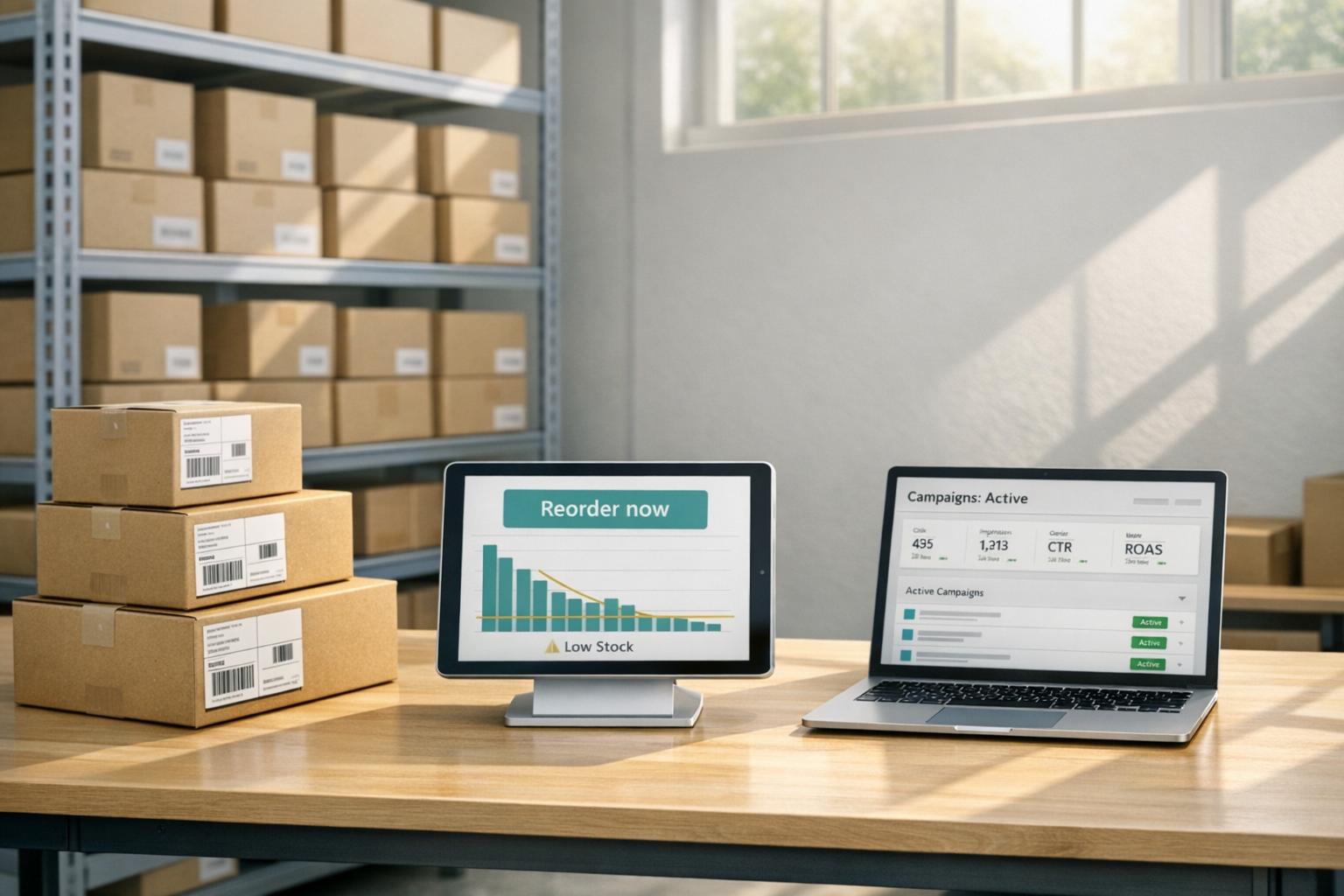
Running ads while managing inventory reorders is a balancing act for Shopify brands. Ads drive sales, but cash tied up in inventory or supplier payments can create cash flow issues. Here's the challenge:
- Stockouts hurt sales: Out-of-stock products waste ad clicks and drive customers to competitors.
- Ad costs are rising: Shopify ad costs have increased nearly 30% since 2020, making wasted clicks expensive.
- Funding is tight: 69% of merchants use external funding to restock inventory due to cash flow gaps.
Solutions include:
- Reorder point formulas: Calculate when to reorder based on daily sales, lead times, and safety stock.
- Inventory tracking tools: Shopify apps like Stocky automate reorder alerts and sync inventory across locations.
- Flexible financing: Revenue-based financing (RBF) helps fund reorders without fixed repayments, keeping ads active.
How To Source Inventory For Your Shopify Store

How to Calculate and Plan Reorder Points

How to Calculate Reorder Points for Shopify Inventory Management
Keeping your inventory balanced is essential for maintaining ad momentum and avoiding costly mistakes. A well-timed reorder ensures you neither run out of stock nor end up with excess inventory. The reorder point (ROP) is the specific inventory level that signals it's time to place a new order before running out completely [5][10].
The Reorder Point Formula
The formula for calculating reorder points is simple: (Daily Sales Velocity × Lead Time) + Safety Stock [5][6][9].
Here’s what each term means:
- Daily Sales Velocity: This is your average daily sales. For instance, if you sell 900 units over 30 days, your daily sales velocity is 30 units.
- Lead Time: This is the total time (in days) it takes for your supplier to process, produce, ship, and deliver your order, plus the time it takes you to receive and stock the product.
- Safety Stock: This is your buffer inventory to account for unexpected demand or supplier delays [6][7][13].
Let’s break it down with an example. If you sell 30 units per day and your supplier's lead time is 20 days, you’ll need 600 units just to cover that period. Adding 150 units as safety stock brings your reorder point to 750 units. Once your inventory drops to this level, it’s time to reorder.
"Setting a reorder point is a simple but effective way to keep inventory at a safe level. With a carefully determined reorder point, retailers can not only lower the risk of stockout, but also reduce inventory holding costs." - Sentao Miao, Assistant Professor of Operations Management, McGill University [5]
For businesses operating on lean inventory or just-in-time models, you might simplify the formula to Daily Sales Velocity × Lead Time. However, if your ad campaigns often trigger unpredictable traffic spikes, skipping safety stock isn’t an option. In such cases, you can calculate safety stock using this formula:
(Max Daily Sales × Max Lead Time) – (Average Daily Sales × Average Lead Time) [6][7][9].
These calculations ensure you’re prepared for both steady demand and unexpected surges, forming a solid base for inventory management automation.
Shopify Apps for Inventory Tracking
Managing reorder points manually can get overwhelming, especially if you’re handling multiple SKUs. Thankfully, Shopify apps like Shopify POS and Stocky simplify the process by syncing inventory across channels in real time [11][8]. These tools analyze supplier lead times and daily sales velocity to calculate optimal reorder points, eliminating the need for spreadsheets [5][13].
Advanced systems can even automate the next steps. They generate purchase orders when stock hits your reorder threshold and provide real-time visibility into inventory across warehouses, retail stores, and even pop-up shops [11]. For brands experiencing rapid growth, AI-driven forecasting tools take it further by analyzing historical data, seasonal trends, and buying patterns to predict future inventory needs [11][12].
MDacne, for instance, used analytics tools to plan reorders and set up automated alerts for low-stock SKUs. This allowed them to anticipate demand based on seasonal trends and avoid stockouts [6].
While automation is a game-changer, it’s not a set-it-and-forget-it solution. Make it a habit to review and adjust your reorder points quarterly or whenever you notice shifts in demand or supplier lead times [13]. This proactive approach ensures your inventory aligns with your business goals and market trends.
Financing Options for Inventory Reorders
Getting the timing right for reordering inventory is only half the battle - having the cash flow to actually place those orders is the other. Even with flawless reorder calculations, a lack of funds can delay restocks. This is a common hurdle for many fast-growing Shopify brands. They need to restock inventory to keep their ad campaigns running, but their cash is often tied up in current stock, ad expenses, or operational costs. Without both inventory and budget in sync, brands risk losing momentum, and running out of stock can mean wasting ad dollars on products that can’t be fulfilled.
This is where revenue-based financing (RBF) can make all the difference. Unlike traditional bank loans with rigid, fixed payments, RBF provides quick access to funds with repayments that scale alongside your revenue. This flexibility is a game-changer for Shopify sellers dealing with seasonal spikes or rapid growth. It helps ease cash flow pressures, ensuring you don’t have to pause your ads or miss out on sales opportunities due to stockouts.
Onramp Funds Revenue-Based Financing
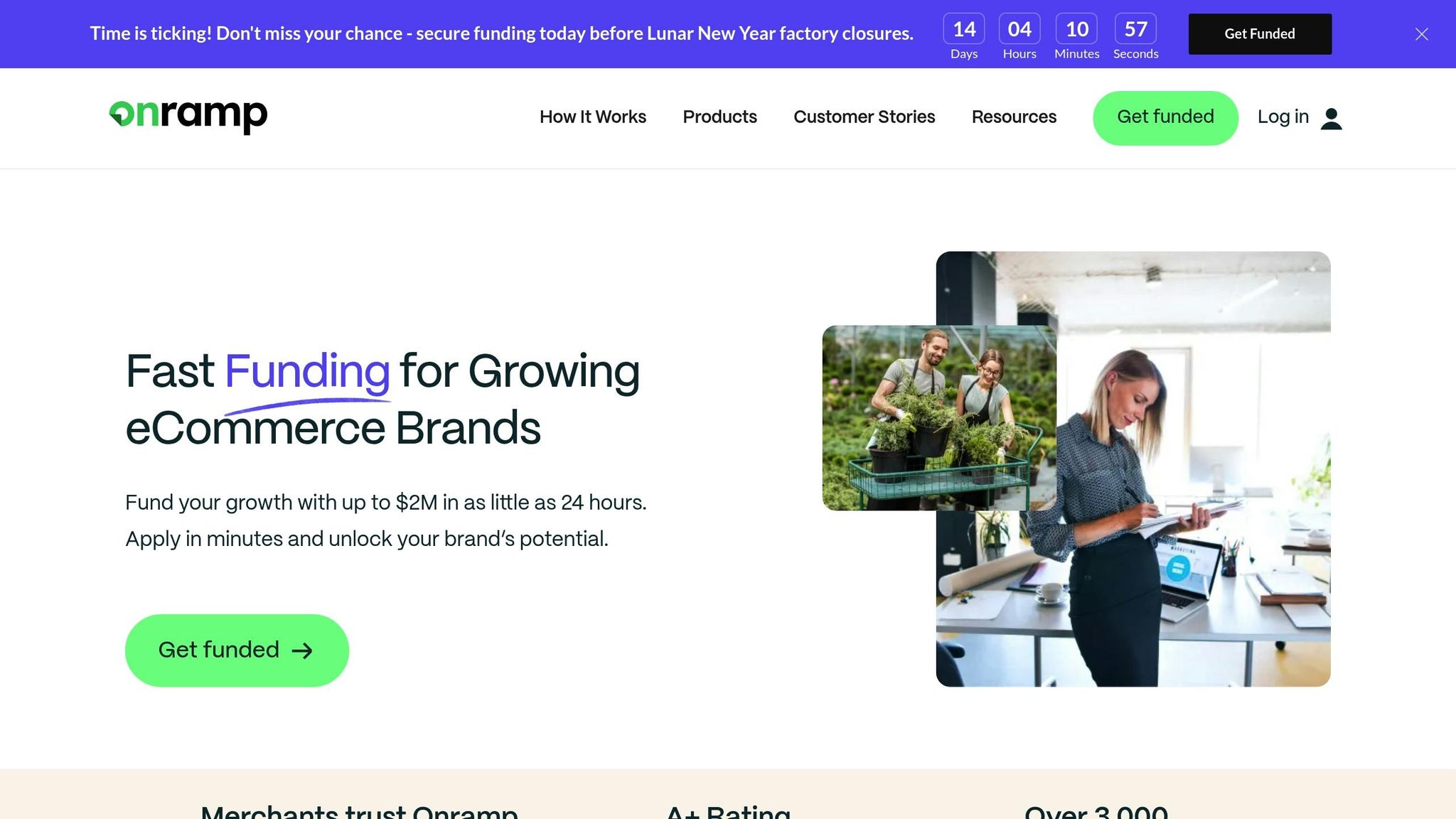
Onramp Funds offers a solution tailored for Shopify sellers, providing same-day funding that keeps your ad campaigns and inventory restocks on track. By connecting directly to your Shopify store, Onramp evaluates your performance using real sales data - no credit checks, no collateral, and a straightforward application process. If your monthly sales exceed $3,000, you can access funding in under 24 hours [14][16].
Here’s how it works: Onramp Funds advances 10–20% of your trailing three-month revenue, with automatic daily repayments set at 5–10% of your sales. The fixed fee for the advance typically ranges from 10–15% [16]. For example, if you receive $50,000 to reorder inventory, you might repay $55,000–$57,500 over the next few months, with repayments automatically adjusting to your sales volume.
Speed is critical when restocking fast-selling inventory. If a top SKU is nearing its reorder point and your supplier has a 20-day lead time, waiting weeks for a traditional loan approval could leave you out of stock. Onramp’s 24-hour funding ensures you can place your order immediately and keep your ad campaigns on Meta or Google running without interruptions [14][16].
This approach not only solves immediate cash flow challenges but also adapts to your inventory needs as they evolve.
Why Revenue-Based Financing Works for Reorders
The standout benefit of RBF is how repayments align with your revenue. When you secure funds for a reorder, that inventory typically converts to sales within 30–60 days. As those sales roll in, a small percentage is automatically applied to repayment. In essence, the inventory helps pay for itself while continuing to fuel your growth and keep ads running smoothly [15].
This model is especially helpful for managing seasonal demands. For instance, an apparel brand might use RBF to stock up in March for the summer shopping season. As sales peak during the season, higher revenue naturally covers larger repayment amounts. When sales slow down, repayments automatically adjust - allowing you to preserve cash flow for your next inventory cycle [15].
Brands using RBF often achieve inventory turnover rates 2–3 times faster than those relying on traditional bank loans [4]. Plus, because this funding model doesn’t require giving up equity, you can scale your business without sacrificing ownership - a critical advantage for founders focused on long-term growth and control.
sbb-itb-d7b5115
Demand Forecasting and Inventory Transfers
Getting the quantity right is just as critical as knowing when to reorder. Misjudging demand can lead to stockouts, forcing you to pause ads, or overstocking, which ties up cash unnecessarily. Globally, inventory issues cost retailers over $1.7 trillion annually, with poor product availability alone causing up to an 8% revenue loss [20]. For fast-growing Shopify brands, precise demand forecasting isn’t just helpful - it’s essential to keep operations smooth and ads running.
Shopify’s built-in tools, combined with its multi-location features, offer the visibility needed to predict demand spikes and efficiently move inventory to where it’s needed most.
Shopify's Built-In Demand Forecasting Tools
Shopify pulls data from across channels, providing real-time insights for accurate forecasting. Tools like Shopify Sidekick can answer questions such as, "Which SKUs will run out next week?" By analyzing sales trends, promotions, and even external factors like weather, it suggests when and what to reorder. This AI-driven approach can cut inventory levels by 20% to 30% while ensuring stock availability [17][18].
For more automation, the Stocky app tracks product performance and seasonality, creating purchase orders based on historical and current sales data [17][22]. Additionally, Shopify Flow lets you set up custom workflows, like sending Slack alerts or auto-generating purchase orders when inventory hits a specific threshold [21].
"Demand planning goes further by considering other factors that could impact demand, such as seasonality and consumer taste trends. This information is essential for meeting your customer demand while minimizing excess inventory." - Ann McFerran, CEO, Glametic [17]
When planning for a specific quarter, use sales data from the same period last year as a baseline. This helps you account for seasonal trends that might otherwise throw off your forecasts [19].
Once you’ve nailed your forecasting, smart inventory transfers ensure you meet demand without over-ordering.
Managing Multi-Location Inventory
If your brand operates multiple warehouses or retail locations, shifting stock between them can help avoid unnecessary new orders. Instead of purchasing more inventory, you can redistribute existing stock from overstocked locations to those at risk of running out [24].
Shopify’s multi-location system supports up to 1,000 locations and offers real-time visibility across your entire network [24]. When you mark a transfer as "Ready to ship", Shopify reserves that inventory at the origin location, preventing accidental sales. Once marked "In progress", the destination location sees it as incoming, allowing fulfillment planning before the stock physically arrives [23][24].
Take Allbirds, for example. This footwear brand used Shopify POS and Shopify Plus to optimize inventory across its stores. By doing so, they reduced in-store stock while maintaining smaller retail footprints. As Travis Boyce, Head of Global Retail Operations, put it:
"With Shopify Plus, we have our point-of-sale and ecommerce systems under one umbrella, which serves our ultimate purpose of being an omnichannel retailer and viewing the customer as one customer - no matter where they shop with us." [21]
During peak sales seasons, Shopify POS also enables "ship-to-customer" features, allowing in-store orders to be fulfilled from other warehouses if local stock runs low [20]. You can set fulfillment priorities in Shopify to allocate stock efficiently across locations [24]. Just make sure to verify physical inventory counts before marking transfers as "Received" - regularly auditing inventory records has been shown to boost sales by about 11% [25].
Tracking Inventory Metrics for Better Reorder Decisions
Keeping tabs on inventory metrics does more than just guide reorder decisions - it also ensures your ad campaigns don't face unnecessary interruptions. Poor inventory management can lead to costly mistakes. In fact, retailers in the U.S. and Canada lose around $350 billion annually due to a combination of stockouts and overstocks [28]. By focusing on the right metrics, you can strike a balance: keeping bestsellers in stock while clearing out slow-moving items that tie up your cash flow.
Two key metrics that can sharpen your reorder strategy are Days of Inventory (DOI) and ABC Analysis. DOI helps you understand how fast your inventory is selling, while ABC Analysis prioritizes which products need immediate attention.
How to Calculate Days of Inventory (DOI)
Days of Inventory (DOI), also known as Days Sales in Inventory, measures how long it takes to turn your stock into sales [27][29]. A lower DOI indicates faster turnover and healthier cash flow.
The calculation is simple: (Average Inventory / Cost of Goods Sold) × Number of Days in Period [26][27]. For example, if your average inventory is $50,000 and your quarterly COGS is $150,000 over 90 days, your DOI would be 30 days. This means your inventory cycles roughly once a month.
For most retailers, a DOI between 30 and 60 days is ideal [27][29]. If your DOI falls below 30 days, you risk stockouts during sudden demand spikes, especially for fast-selling items. On the other hand, a DOI above 60 days suggests overstocking, with capital tied up in unsold goods.
To fine-tune reorder timing, keep an eye on products nearing your lower DOI threshold. Automated alerts can help you maintain optimal inventory levels, reducing the risk of unexpected stockouts.
While DOI measures inventory turnover speed, ABC Analysis focuses on product value to guide your priorities.
Using ABC Analysis for Inventory Prioritization
ABC Analysis uses the Pareto Principle to categorize inventory based on revenue contribution. Essentially, about 80% of your revenue often comes from just 20% of your products [30][32][28].
- A-grade items: These are your top performers, typically 20% of your SKUs, driving 80% of your revenue. They demand close monitoring, higher safety stock, and frequent reorders, with inventory checks done daily or weekly [32][28].
- B-grade items: These contribute around 15% of your revenue and require moderate oversight.
- C-grade items: These make up the remaining 5% of revenue. Often slow-moving, they can be discounted, bundled with A-grade items, or even donated [30][28].
To conduct an ABC Analysis, calculate the Annual Consumption Value (ACV) for each SKU using this formula: Annual Sales Quantity × Unit Price [32][33]. Rank your products by ACV and divide them into A, B, and C categories. For A-grade items, use the safety stock formula to avoid stockouts: (Max Daily Sales × Max Lead Time) - (Average Daily Sales × Average Lead Time) [28].
"Categorizing products by value highlights slow movers that should be discounted or bundled." - Jara Moser, Digital Marketing Manager, Shopventory [28]
However, keep in mind that ABC Analysis doesn't factor in seasonality. For example, a product that seems like a C-grade item in the summer might become an A-grade bestseller during the holidays. To stay on top of these shifts, update your analysis quarterly [31][32]. As Liza Amlani, Principal and Founder of Retail Strategy Group, points out:
"The biggest fail with ABC analysis is that nuances between stores are not taken into consideration. There needs to be a human element of walking the shop floor and talking to brand ambassadors as well as customers." [28]
Conclusion
Keeping your ads running while managing reorders requires careful planning, smart financing, and data-driven decisions. Successful Shopify brands know the importance of reordering before stock runs out. As Lindsey Carter, founder of SET Active, puts it:
"The risk of ordering early is smaller than the risk of going dark" [2].
This kind of proactive inventory management helps protect your ad performance. In today’s fast-paced world, customer attention is fleeting. If you pause ad campaigns due to cash flow problems, you risk losing valuable algorithm momentum on platforms like Meta and Google. Shabnam Mansukhani from CrediLinq highlights this issue:
"If you pause campaigns because of cash flow gaps, you lose algorithm momentum and end up paying more to regain traction" [34].
And with ad costs climbing, regaining that lost momentum can be a pricey setback.
The key lies in syncing your inventory planning with your ad strategy. Tools like reorder point formulas, Days of Inventory metrics, and automated low-stock alerts (triggered when supply dips below 14 days [1][3]) can help you stay ahead of stockouts and keep your campaigns running without interruption. While timely reordering reduces operational risks, pairing it with flexible financing completes the picture.
Revenue-based financing offers a practical way to cover the upfront costs of inventory without the pressure of fixed repayments. Unlike traditional loans, repayments adjust based on your sales, providing breathing room during slower periods. For instance, Onramp Funds provides equity-free financing with repayment terms tied to your revenue. This kind of adaptable funding allows you to maintain growth and keep your campaigns running smoothly, ensuring your business momentum never skips a beat.
FAQs
How does revenue-based financing help Shopify brands manage cash flow effectively?
Revenue-based financing (RBF) gives Shopify brands a way to manage cash flow that adapts to their sales performance. Instead of being locked into fixed monthly payments, brands repay a small percentage of their monthly revenue. This means payments automatically adjust - lower during slow periods and higher during busier times - helping businesses maintain financial stability without added pressure.
One of the standout benefits of RBF is how quickly Shopify sellers can secure funding. In many cases, they can access upfront capital in as little as 24 hours, all without having to give up equity or ownership. This makes it a practical option for covering key expenses like inventory restocking, marketing campaigns, or other growth-related needs.
By tying repayments to revenue, RBF ensures brands can stay on track, avoiding stockouts and keeping advertising efforts consistent - even during seasonal dips or slower sales months. It’s a solution designed to keep operations steady while supporting growth.
What are the best tools for automating inventory management on Shopify?
Automating inventory management on Shopify is a game-changer for saving time and avoiding stockouts. Tools like inventory sync apps can update stock levels in real-time, helping you steer clear of overselling. Beyond that, dedicated inventory management systems bring advanced features like automated restocking, demand forecasting, and multi-location tracking - perfect for Shopify brands that are scaling up.
Shopify also offers built-in inventory tools. These include options for tracking stock, setting reorder alerts, and integrating with POS systems to connect your online and in-person sales seamlessly. For an extra boost, specialized replenishment software uses demand-based reorder points to fine-tune stock levels and simplify restocking. With these tools, Shopify sellers can keep operations running smoothly while channeling their energy into growing their business.
How can the reorder point formula help avoid running out of stock or overstocking?
The reorder point formula is a handy tool for managing inventory. It tells you the exact moment to restock, helping you avoid running out of products while steering clear of overstocking. The calculation factors in your average demand and supplier lead time, ensuring you maintain enough inventory to handle delays.
For Shopify sellers, this formula is a game-changer. It helps keep products available for customers, prevents interruptions to ad campaigns, and keeps storage costs under control. It’s a straightforward way to meet demand while keeping your cash flow on track.
