

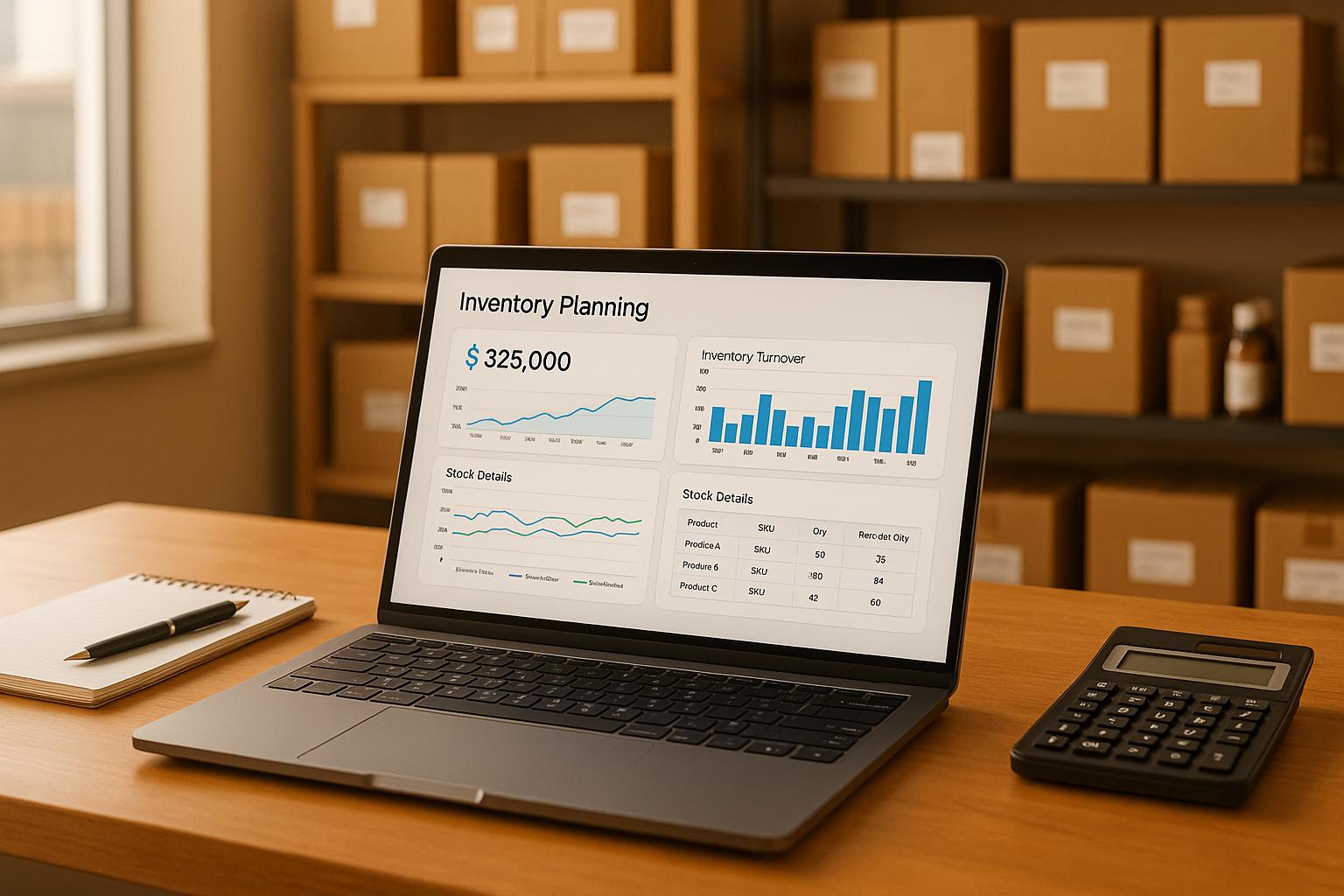
Master Your eCommerce Growth with Smart Stock Planning
Running an online store comes with a unique set of challenges, and managing inventory is often at the top of the list. Overstocking ties up your capital, while understocking risks lost sales and frustrated customers. That’s where a solid strategy for inventory investment comes in, and having the right tools can make all the difference. By planning ahead, you ensure your business stays agile and profitable, no matter the season.
Why Inventory Planning Matters
For eCommerce entrepreneurs, every dollar counts. A well-thought-out approach to stock management helps you avoid costly mistakes and keeps your cash flow healthy. Tools like an inventory investment planner take the guesswork out of deciding how much to spend on stock and when to reorder. They break down complex calculations into simple outputs, so you can focus on growing your brand. Whether you’re a small startup or a scaling business, aligning your inventory with demand is key to staying competitive.
Take Control Today
Don’t let poor stock decisions hold you back. Use smart planning resources to map out your needs, optimize spending, and keep customers happy with consistent availability. Your eCommerce success starts with the right foundation!
FAQs
How does this tool calculate the reorder point?
Great question! The reorder point is based on your desired stock turnover rate and expected monthly sales volume. For example, if you want a 3-month turnover and sell 100 units a month, the tool suggests reordering when you hit 300 units. This ensures you’ve got enough stock to cover sales without tying up too much cash in excess inventory. It’s a balance between staying prepared and keeping costs down.
What if I don’t know the selling price per unit?
No worries at all! The tool still works perfectly without a selling price—it’ll calculate your total investment cost and reorder point based on the other inputs. Adding a price just gives you an extra layer of insight with projected revenue. You can always come back and update the numbers later if you’ve got new data to play with.
Can this tool help with multiple products?
Right now, this planner is designed to handle one product or product category at a time for simplicity and accuracy. If you’ve got multiple products, just run the tool separately for each one and jot down the results. We’re working on a future update to handle bulk inputs, so stay tuned for that!
Onramp Funds
Funding built around your sales
Connect your store and see what you qualify for. Repay as a percentage of sales, with no personal credit check.
Funding in as little as 24 hours.
