

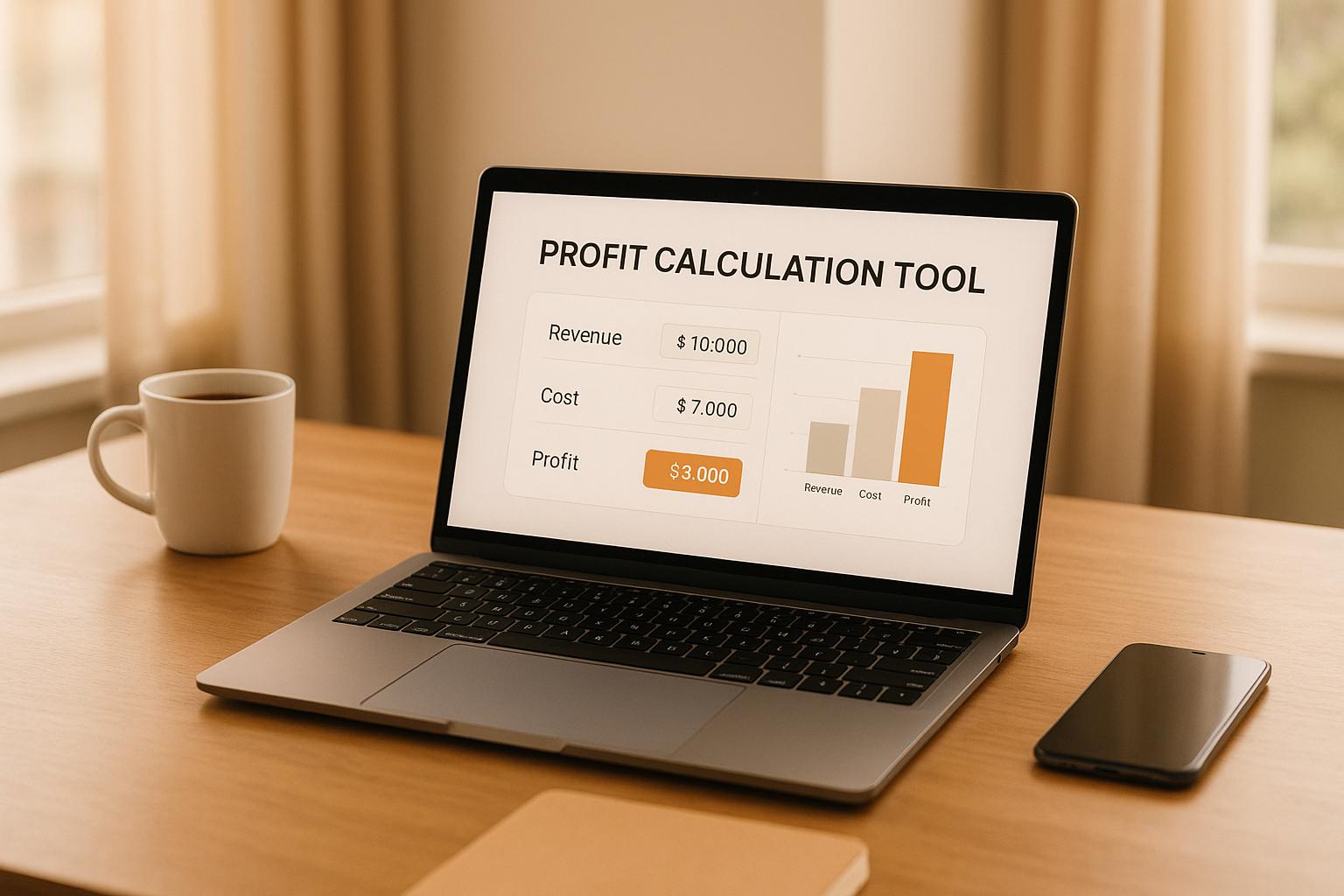
Maximize Your eCommerce Success with a Profit Margin Calculator
Running an online store is exciting, but profitability can be tricky to pin down. Many sellers get caught up in sales numbers without a clear view of their actual earnings. That’s where a tool to analyze your product profitability comes in handy. It’s not just about how much you sell—it’s about how much you keep after costs.
Why Profitability Matters for Online Sellers
Every product you sell has hidden expenses, from shipping to platform fees. Without crunching the numbers, you might think you’re in the green when you’re barely breaking even. A quick analysis of your costs and earnings per unit can reveal opportunities to adjust pricing or streamline operations. For small businesses or solo entrepreneurs, this kind of insight is invaluable. It helps you focus on what’s working and ditch what’s draining your resources.
Take Control of Your Numbers
Whether you’re selling handmade goods or dropshipping, understanding your financial health starts with the basics. Use tools designed for eCommerce to stay ahead of the game. They’re simple, fast, and give you the clarity to grow your business with confidence. Stop guessing and start strategizing today!
FAQs
Why should I care about profit margins in eCommerce?
Profit margins are the heartbeat of your online business. They tell you if you're actually making money after all expenses or just spinning your wheels. A lot of sellers focus on sales volume but forget that high costs can eat up their earnings. This tool helps you see the real picture—whether your pricing strategy works or if you need to cut costs somewhere. It’s about working smarter, not just harder.
What counts as 'other fees' in the calculator?
Other fees are any extra costs tied to selling a single unit, beyond the product and shipping. Think platform fees on places like eBay or Amazon, which often take a cut of each sale. It could also include packaging costs, transaction fees from payment processors, or even small marketing expenses per item if you track those. If you’re unsure, start with the obvious ones and adjust as you get a clearer view of your expenses.
What if my profit margin looks too low?
A low margin isn’t the end of the world—it’s a signal to tweak things. First, check if you can raise your selling price without losing customers; even a small bump can help. Next, look at cutting costs—maybe negotiate with suppliers or find cheaper shipping options. You might also focus on higher-margin products to balance things out. Use this tool to play with the numbers and see what changes make the biggest impact.
Onramp Funds
Funding built around your sales
Connect your store and see what you qualify for. Repay as a percentage of sales, with no personal credit check.
Funding in as little as 24 hours.
