

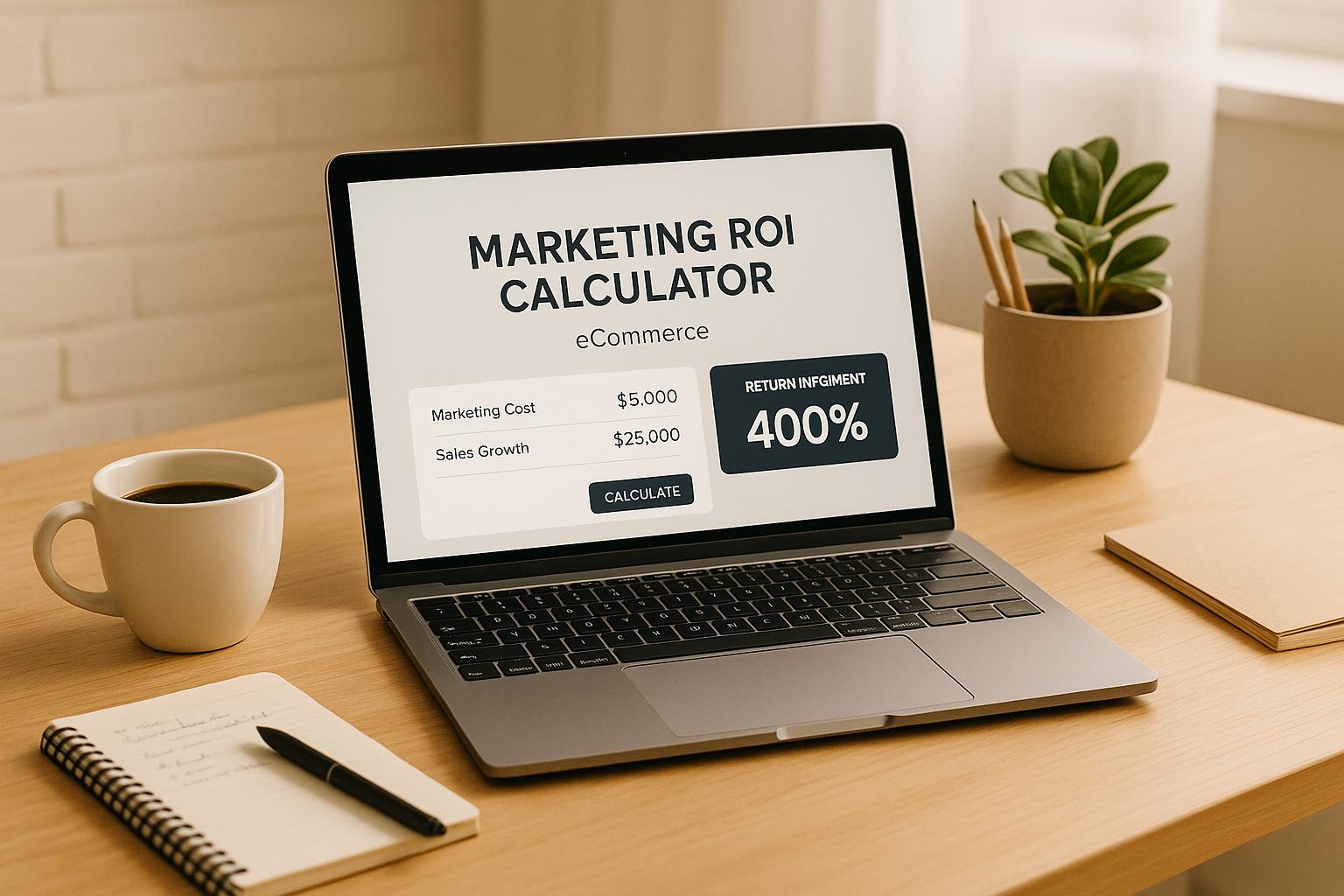
Maximize Your eCommerce Success with a Marketing ROI Calculator
Running an online store is no small feat, and every dollar spent on marketing needs to count. That’s where understanding your campaign performance becomes crucial. By evaluating the effectiveness of your ad spend, you can pinpoint which strategies drive real revenue and which ones fall flat. A tool designed for eCommerce businesses can simplify this process, giving you clear insights without the headache of manual calculations.
Why Tracking Returns Matters
For any online retailer, knowing whether a paid ad or social media push is profitable can shape your entire growth plan. Imagine pouring budget into a campaign only to realize it barely broke even—or worse, cost you money. By analyzing key metrics like net profit and return percentages, you’re equipped to make smarter choices. This isn’t just about numbers; it’s about building a sustainable business that thrives on informed decisions. Plus, with optional inputs like agency fees, you get a full picture of your expenses. Whether you’re a small shop or a growing brand, taking control of your marketing outcomes is the first step to scaling with confidence.
FAQs
What exactly does marketing ROI mean for my eCommerce business?
Marketing ROI, or return on investment, measures how much profit you’re making from your marketing efforts compared to what you’re spending. For example, if you spend $1,000 on ads and generate $3,000 in revenue, your ROI shows how effective that spend was after accounting for costs. Our tool calculates this as a percentage, so you can quickly see if your campaigns are worth the investment or if they need a rethink.
What if my campaign shows a negative or zero ROI?
No worries—a negative or zero ROI just means your campaign didn’t generate enough revenue to cover costs. Our tool will flag this with an error message or a note to review your strategy. It’s a signal to dig into what went wrong, whether it’s targeting, ad creative, or pricing, and adjust for the next round. Think of it as a learning opportunity rather than a setback!
Can I use this tool for multiple campaigns at once?
Right now, this analyzer is designed to evaluate one campaign at a time for clarity and precision. If you’ve got multiple campaigns, just run the numbers separately for each one. That way, you’ll get a detailed breakdown of what’s working and what’s not, without mixing up the data. We might add a multi-campaign feature down the road, so stay tuned!
Onramp Funds
Funding built around your sales
Connect your store and see what you qualify for. Repay as a percentage of sales, with no personal credit check.
Funding in as little as 24 hours.
